
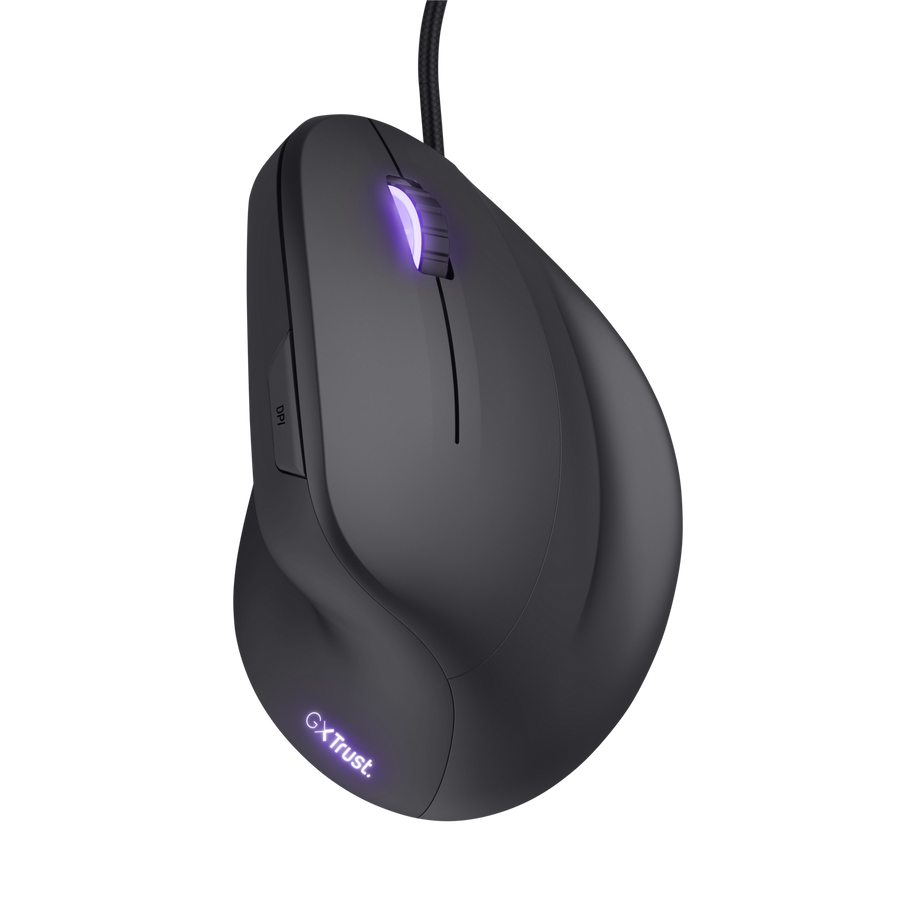
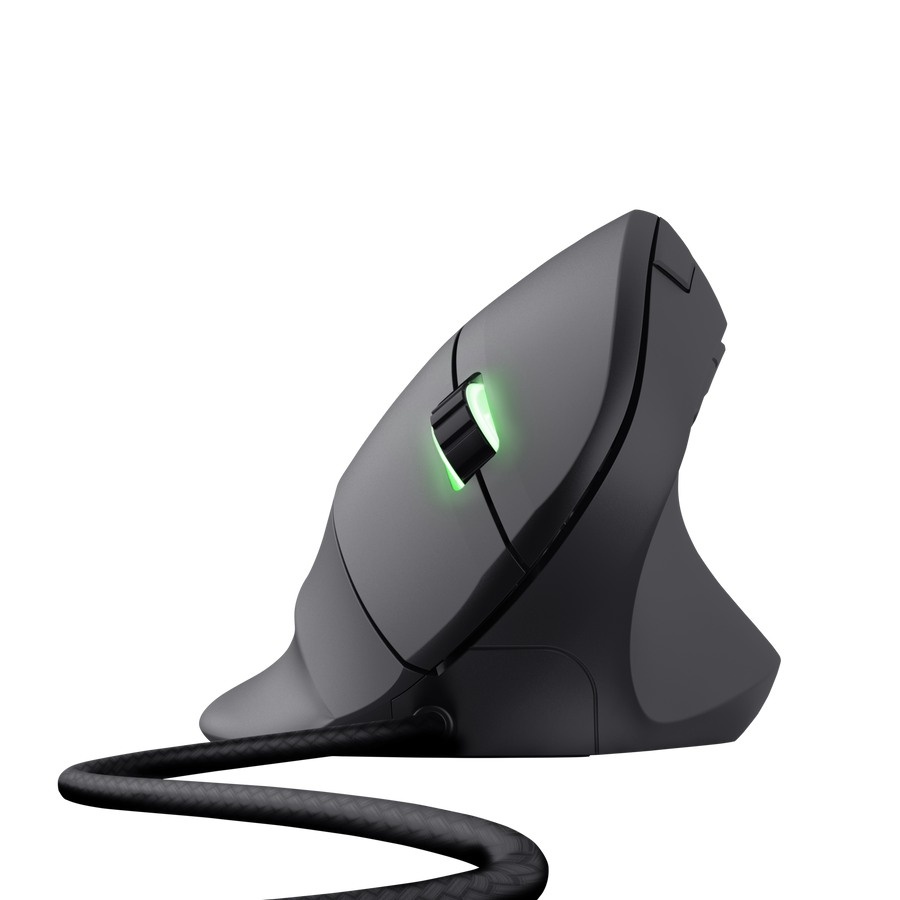
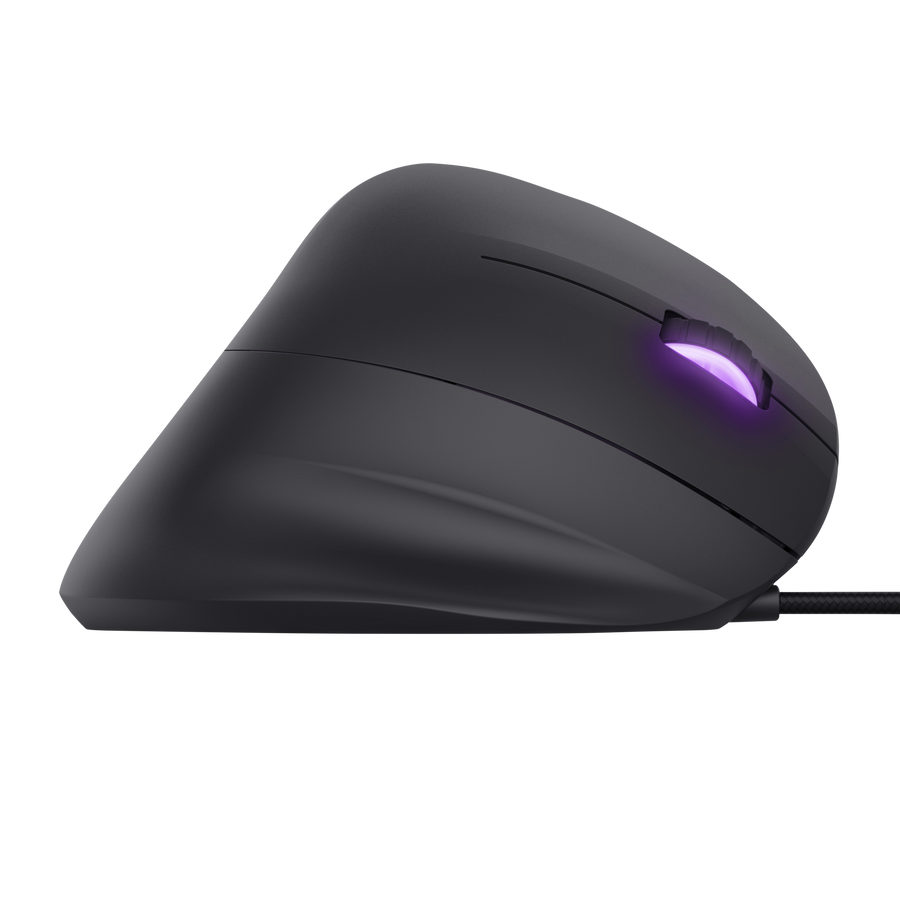
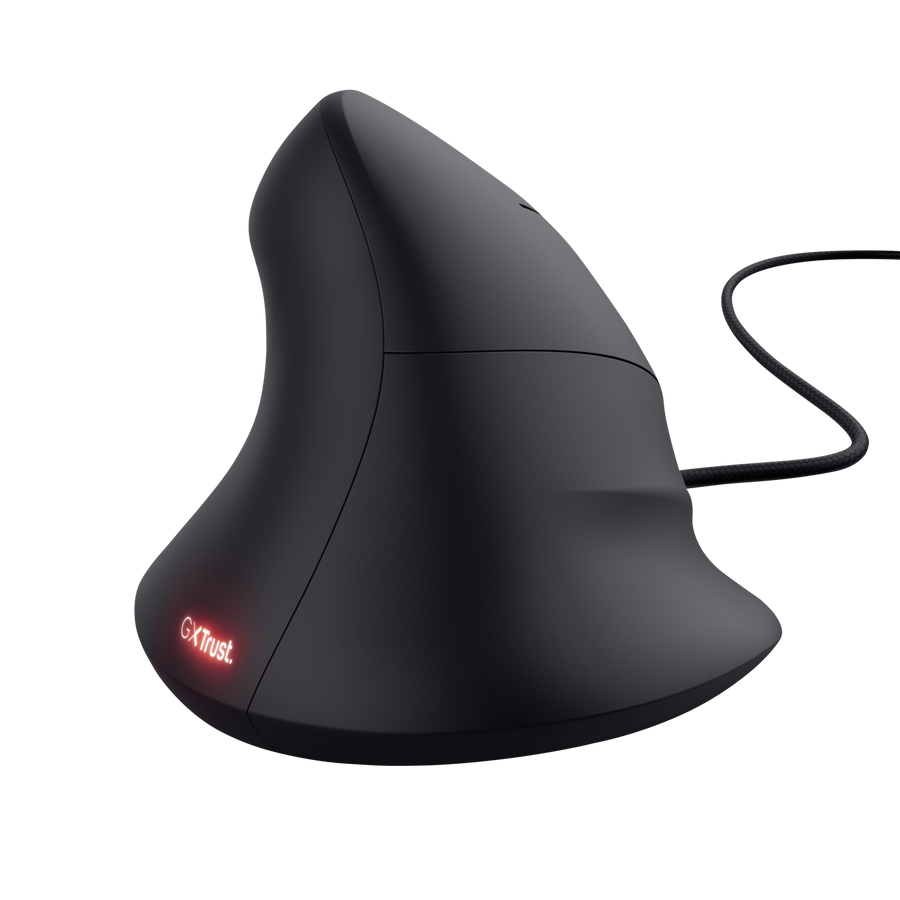



GXT 144 Rexx Ergonomic Vertical Gaming Mouse
Vertical gaming mouse with ergonomic design to reduce arm and wrist strain
Key features
- High precision optical sensor up to 10.000 DPI
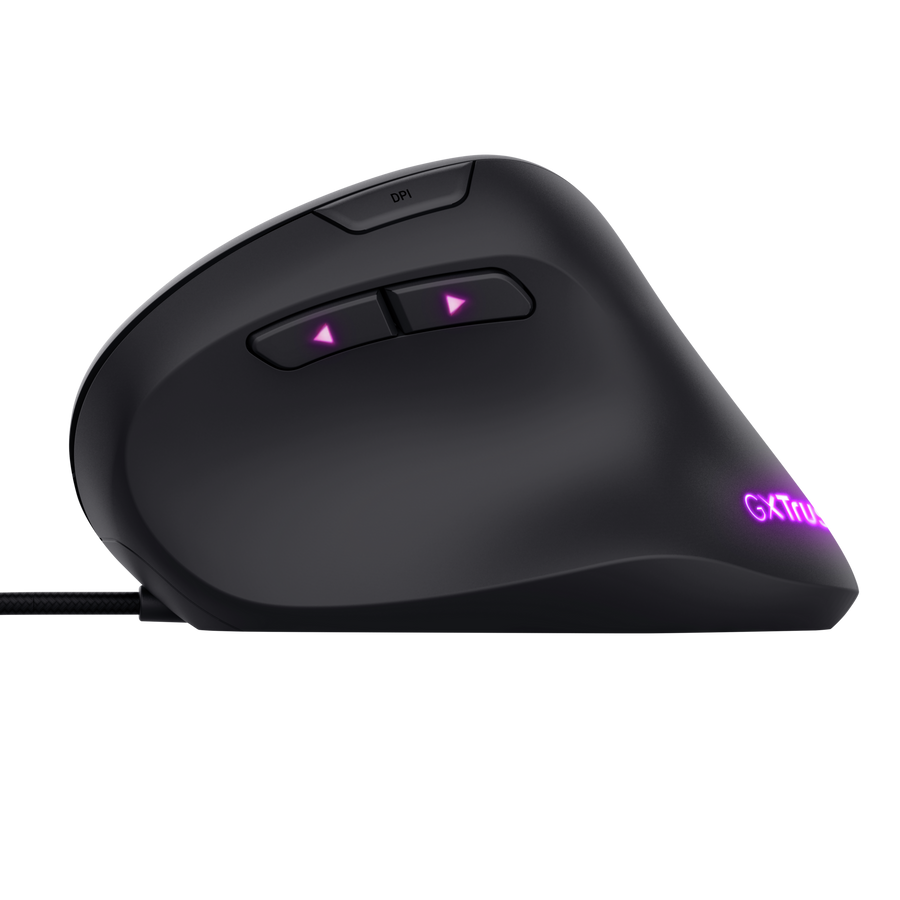
- Comfortable thumb rest for perfect grip
- 6 programmable buttons
- Guaranteed max speed: 100 inch per second – 20G acceleration
- Customizable RGB lighting
- Advanced software for programming buttons, macro’s and lights
Vertical gaming mouse with ergonomic design
The GXT 144 Rexx gaming mouse will revolutionize the way you play your games. This vertical ergonomic mouse changes the position of your arm and wrist to prevent strain during long gaming sessions. All without compromising your gaming needs!
Natural gaming
Thanks to its ergonomic design and comfortable thumb rest, you can game comfortably for hours. The vertical layout brings your underarm and wrist into a natural position which relaxes the muscles in your hand, wrist and arm. With this perfect grip, you’ll exercise complete control over your in-game enemies.
Accurate control
Ergonomic not for gamers? Simply plug in the mouse and you have access to a high-grade optical gaming sensor with a DPI up to 10.000 for accurate control. Switch DPI with the dedicated button or browse quickly through different web pages with the two thumb buttons. On top of that, the mouse has a guaranteed maximum speed of a 100 inches per second – 20G acceleration. Connect the Rexx with the 1.8mm USB braided cable and you can start gaming instantly.
Programmed to win
The advanced software allows you to alter the 6 programmable buttons so the mouse is perfectly adjusted to your preferences. Design the macros and assign the buttons to actions that will save you crucial time and increase your reaction speed. You can also choose your winning colour with the customizable RGB lighting so whatever challenge you accept, with the Rexx vertical gaming mouse you’re programmed to win.
Specifications
|
|||||||||||||||||||||||||||
|
|||||||||||||||||||||||||||
|
|||||||||||||||||||||||||||
|
|||||||||||||||||||||||||||
|
|||||||||||||||||||||||||||
|
|||||||||||||||||||||||||||
|
|||||||||||||||||||||||||||
|
|||||||||||||||||||||||||||
|
Extra information
| General |
Item number: 22991 |
EAN code: 8713439229912 |
Warranty: 2 years |
Product weight (net): 138 g |
|---|---|---|---|---|
| Package contents | Vertical gaming mouse | User guide | Gaming sticker | |
| System requirements | Windows 10, 8, or 7 | USB port |
Support
Download
Manuals
Select type
Leaflet
Select your language
Extended leaflet
Select your language
Software
Select your operating system (OS)
Frequently Asked Questions
Installation and configuration
How do I install this mouse?
To install the mouse:
- Connect the mouse to the computer without using a hub or extension cable.
- The computer will recognize the mouse and install the built-in driver. This might take a few moments.
- The mouse is ready to use.
To install the software:
- Go to https://www.trust.com/en/product/22991-gxt-144-rexx-vertical-gaming-mouse#downloads.
- Choose your operation system and click the “Download EXE” button to download the software.
- Click on the “22991_XX.exe” and follow the installation wizard.
- Click on the “GXT 144 Gaming Mouse.exe” shortcut to start the software.
- You can now start to configure the mouse. In the manual will be referred to ‘Apply’ to update settings to the mouse.
Please note:
- Install the file only after it has been fully downloaded, otherwise you will receive an error.
- Make sure to install the file with administrator rights.
Where is the Mac-driver?
This particular product has been developed for use with the Windows operating systems only.
Therefore drivers or installation instructions for other operating systems such as Mac are not available.
Usage
I want to use multiple buttons at the same time. Is this possible?
Yes, it is possible to press multiple buttons simultaneously.
Please note that the thumb buttons can't be used together with left/right/mid click.
Solving problems
The mouse arrow shakes, moves strangely or does not move at all.
-
Try using the mouse on a different surface or use a mousepad.
-
Clean the sensor on the bottom of the mouse with a dry cloth.
Where is your service center? Or where can I send my product to be repaired?
Unfortunately, we do not have service centers to repair products.
A defective product should be replaced by your point of purchase during the warranty period.
My product is faulty. What do I do?
We offer a 'return to retailer' warranty on our products. In case of a defect, you can return the product to your retailer with failure description, proof of purchase and all accessories. During the warranty period you will receive a replacement product from the retailer if available. For full warranty conditions you can consult: https://www.trust.com/support/warranty
Warranty
Warranty conditions
- Trust offers a warranty to the original purchaser from an authorized retailer.
- Your Trust product is guaranteed under the terms and conditions of this warranty against manufacturing defects for a period of one (1) year* from the date of original purchase, if purchased from an official retailer.
- *In EU, there is a statutory minimum warranty period of 2 years on every product we sell.
- In case of defect, return the product to your retailer with failure description, valid proof of purchase and all accessories.
- During the warranty period you will receive a replacement product from the retailer if available.
- Warranty will be void in cases of opened products, physical damage, misuse, modification, repair by unauthorised persons, carelessness and using the product for other purpose than its intended use.
- Exclusions of warranty:
- Damage caused by accidents or disasters, such as fire, flood, earthquake, war, vandalism or theft.
- Incompatibility with other hardware/software not defined as minimum system requirements.
- Accessories such as batteries and fuses.
- In no event shall the manufacturer be liable for any consequential or incidental damages, including any loss of business profits or any other commercial damages, arising out of the use of its product.
Contact us: Ask a question to the helpdesk
Register product
Login to register your Trust product(s)
Register product